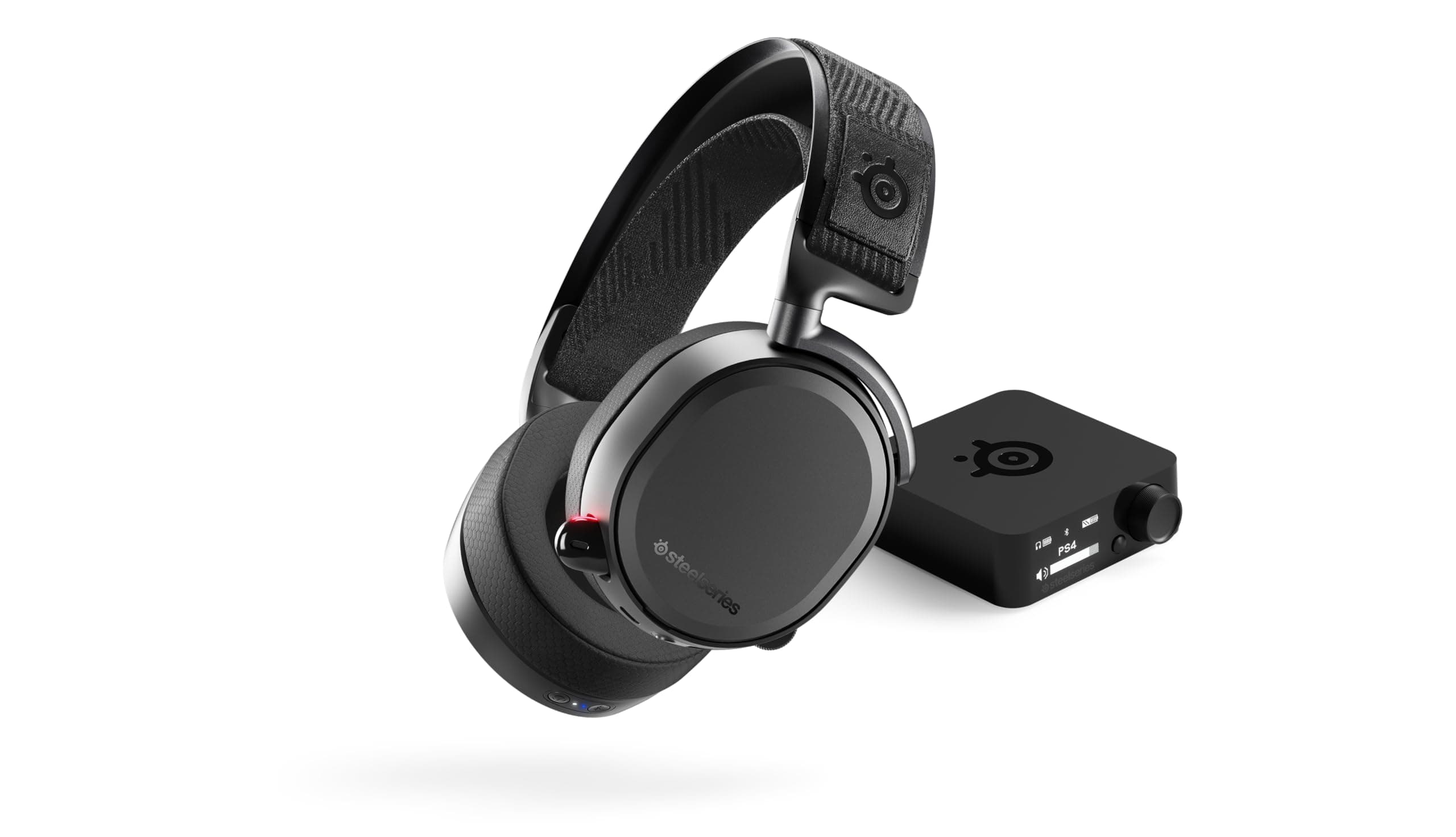
Wired vs Wireless Headsets for Pro Gamers – Which Gives the Competitive Edge?
You lose a clutch round because the sound of an enemy footstep arrives a fraction of a millisecond late. The problem isn’t your aim; it’s the latency and acoustic fidelity of your headset. Professional players need a headset that translates every in‑game cue instantly, isolates ambient noise, and stays comfortable through marathon sessions. This guide pinpoints the technical and ergonomic factors that matter most, compares the three major headset categories, and gives you a step‑by‑step process for matching a model to your play style.
Quick picks
- Ultra‑low‑latency wired headset – Ideal for split‑second shooters and LAN tournaments where every millisecond counts.
- High‑fidelity wireless headset with lossless codec support – Perfect for players who value freedom of movement and premium sound in titles where sub‑8 ms latency is acceptable.
- Hybrid headset (wireless with detachable cable) – Gives you wired precision when stakes are high and wireless freedom for streaming or casual play.
What to look for
1. Latency and audio sync
Pro gamers measure performance in frames per second; the audio pipeline must keep pace. Wired headsets typically deliver sub‑1 ms latency because the signal travels directly through the cable. Wireless units add digital processing, so focus on models advertising < 8 ms latency or featuring a proprietary low‑latency protocol (e.g., Turbo Wireless, LightSpeed). Pair a low‑latency wireless headset with a 144 Hz or higher monitor and enable any “game mode” that disables buffering.
2. Frequency response and soundstage
Footsteps, reload clicks, and distant explosions sit in the 1 kHz – 4 kHz mid‑range. A headset that reproduces this band cleanly will let you locate opponents faster. Look for:
- Drivers labeled “studio‑grade” or “high‑resolution”.
- A wide, open soundstage—semi‑open or open ear‑cup designs—because they preserve spatial cues.
- Closed‑back designs only when you need absolute isolation from a noisy environment.
3. Microphone quality and noise cancellation
Your voice must cut through teammates’ chatter and background noise. Prioritize:
- Cardioid or super‑cardioid pickup patterns that focus on your voice.
- Integrated active noise cancellation (ANC) on the mic itself.
- Detachable boom mic for quick swaps between gaming and streaming.
4. Comfort and ergonomics for marathon sessions
A headset that presses on your temples after 30 minutes will never win a tournament. Key metrics:
- Weight < 300 g for wired, < 350 g for wireless.
- Memory‑foam ear cushions wrapped in breathable leatherette or fabric.
- Adjustable headband with a distribution pad and swivel ear cups to accommodate different ear shapes.
5. Battery life and charging convenience (wireless only)
Competitive matches can exceed two hours. Aim for ≥ 10 h of continuous play and a fast‑charge capability that restores at least two hours of game time in 15 minutes. USB‑C charging is a must; it’s faster and universally available.
Our picks
Ultra‑low‑latency wired headset
A wired headset removes every wireless hop, giving you the purest audio path. Look for a 3.5 mm plug with a reinforced steel connector, high‑impedance drivers, and a detachable cable that resists bending. The ideal model includes a metal headband, padded breathable strap, and a repositionable boom mic that can be removed entirely. This configuration shines in LAN events, speed‑run streams, and any environment where isolation is already provided by the room. Shop this type: Check price on Amazon →
Premium wireless headset with high‑fidelity audio
When you need to move around your chair, switch rooms, or stream while standing, a wireless headset that supports aptX HD or LDAC gives you lossless audio without sacrificing too much latency. Choose a unit with a dedicated game mode that caps round‑trip delay at < 8 ms, active noise cancellation on both speakers and mic, and a battery that lasts 10‑12 h. A quick‑swap cable lets you convert to wired mode for a clutch match. Shop this type: Check price on Amazon →
Hybrid headset (wireless with detachable cable)
Hybrid headsets blend the best of both worlds. They run on a high‑capacity rechargeable battery, support a low‑latency wireless protocol, and feature a detachable 3.5 mm or USB‑C cable for zero‑delay play. Many hybrids also include a modular mic that can be swapped for a standalone boom mic. Look for an aluminum frame, memory‑foam ear cups, and breathable covers to keep temperature down during 4‑hour raids. Shop this type: Check price on Amazon →
How to choose
- Identify your primary game genre.
- Fast‑paced shooters (Valorant, CS2, Fortnite) demand the lowest possible latency → wired or hybrid wired mode.
- Slower‑tempo titles (RPGs, open‑world) tolerate a few extra milliseconds → high‑fidelity wireless is acceptable.
- Map your environment.
- Noisy apartment or shared space → prioritize ANC on speakers and mic, closed‑back design.
- Quiet dedicated gaming room → open or semi‑open ear cups for superior positional audio.
- Set a comfort baseline.
- Test weight and ear‑cup padding in‑store or buy from a retailer with a generous return window.
- Create a spec checklist.
- Latency: < 1 ms wired, < 8 ms wireless.
- Driver size & frequency response: focus on clear mids (1‑4 kHz).
- Mic pattern: cardioid or better, ANC optional.
- Battery: ≥ 10 h for wireless.
- Build: reinforced cable, metal or aluminum frame.
- Match budget to feature set.
- Entry‑level wired models can be under $100 and still meet latency requirements.
- Premium wireless and hybrid headsets range $150‑$300, adding lossless codecs and longer battery life.
- Validate with real‑world testing.
- Use a latency tester (e.g., HDMI‑Audio sync apps) or rely on manufacturer specifications.
- Listen for spatial clarity in a familiar map; ensure the mic picks up your voice without pulling in background noise.
Following these steps narrows the field to a handful of candidates that actually solve your latency, sound, and comfort problems.
FAQ
What is the typical latency difference between wired and wireless headsets?
Wired headsets stay under 1 ms because the signal travels through copper. Wireless models, even the best low‑latency ones, hover around 4‑8 ms after digital processing.
Does a lossless audio codec (aptX HD, LDAC) improve game performance?
Lossless codecs increase fidelity, letting you hear subtle cues such as distant footsteps more clearly. They don’t directly reduce latency, but many premium wireless headsets bundle a low‑latency “game mode” alongside these codecs, giving you both high quality and competitive timing.
Can I use a wireless headset on a console?
Yes. Most modern wireless gaming headsets support PC, Xbox, PlayStation, and Switch via a dedicated dongle or Bluetooth. Remember that Bluetooth adds extra latency; a dongle or proprietary low‑latency protocol is preferred for fast‑paced games.
Bottom line
For pure competitive advantage, a wired headset provides unbeatable latency and consistent audio fidelity, making it the top pick for esports‑level shooters. If you crave mobility, a premium wireless model with a low‑latency game mode and solid battery life offers freedom without a major performance penalty. The hybrid headset gives you the flexibility to toggle between wired precision and wireless convenience, covering both tournament‑day intensity and everyday streaming comfort. Align your primary game type, play environment, and ergonomic needs with the criteria above, and you’ll land a headset that lets you hear—and react—to every in‑game cue with confidence.