Ultra‑Wide vs Dual‑Monitor for Racing Sims – Which Gives the Edge?
You’ve just invested in a force‑feedback wheel and pedals, but the track still feels too narrow. A cramped field of view steals the thrill of high‑speed corners and makes it harder to spot hazards. The right screen arrangement can expand your horizon, sharpen reaction time, and turn a good rig into a race‑ready cockpit. In this guide we break down the essential specs, compare single ultra‑wide panels with dual‑monitor rigs, and give clear criteria so you can buy with confidence.
Quick picks
- Ultra‑wide single screen – Seamless image, no bezel break, compact desk footprint.
- Dual 27‑inch pair – Ideal if you already own one monitor; flexible angle and independent positioning.
- Hybrid ultra‑wide + side panel – Central immersion plus dedicated space for telemetry, chat, or camera feeds.
- Triple‑screen array – Maximum peripheral vision for a true cockpit experience.
What to look for
1. Refresh rate & response time
Racing sims demand rapid visual updates. Aim for 144 Hz or higher and ≤4 ms gray‑to‑gray. In a dual‑monitor rig both panels must match the refresh rate; otherwise frame pacing will differ and you’ll notice stutter.
2. Resolution & pixel density
A 34‑inch ultra‑wide typically offers 3440×1440 (WQHD) or 5120×1440 (UW‑5K). Two 27‑inch 1440p panels combine to the same width but introduce a bezel gap. Higher PPI yields sharper HUD elements, which improves depth perception when you’re carving tight turns.
3. Panel technology (IPS vs VA vs TN)
- IPS – Accurate colors, wide viewing angles; best for long sessions where you swivel the head.
- VA – Deep blacks, higher contrast; shines in night‑time racing but can be slower to respond.
- TN – Rare in large gaming sizes and generally outclassed by IPS/VA.
4. Adaptive‑sync support
Screen tearing ruins precise visual feedback. Choose a monitor with G‑Sync or FreeSync and, for dual setups, ensure both screens belong to the same sync family.
5. Connectivity & ergonomics
Look for HDMI 2.1, DisplayPort 1.4, and USB‑C inputs. Adjustable stands (height, tilt, swivel, pivot) let you line the top of the screen with your eye level, reducing neck strain. For dual rigs, VESA‑mount compatibility keeps the desk clear.
6. Size & curvature
A gentle curve (1500–1800 R) on an ultra‑wide wraps the image around your peripheral vision, mimicking a real cockpit. Flat dual panels can be angled inward but never achieve the same enveloping effect.
7. Future‑proofing
If you plan to push 240 Hz or upgrade to a 4K‑ready GPU, pick a monitor with sufficient bandwidth (HDMI 2.1 or DP 1.4). Dual‑monitor rigs can be upgraded one side at a time, offering a cheaper incremental path.
Our picks
1. The Seamless Immersion Ultra‑Wide
A 34‑inch curved IPS panel with 144 Hz, 1 ms response, and Adaptive‑Sync delivers a bezel‑free canvas that aligns with the natural arc of human vision. It shines in titles that support wide FOV, such as Assetto Corsa Competizione and rFactor 2.
Who it’s for – Users with limited desk space, anyone who detests bezel interruptions, and those who value a clean aesthetic.
Trade‑offs – Higher cost per inch; you cannot tilt each half independently. Adding a side monitor later can look uneven.
Shop this type: Check price on Amazon →
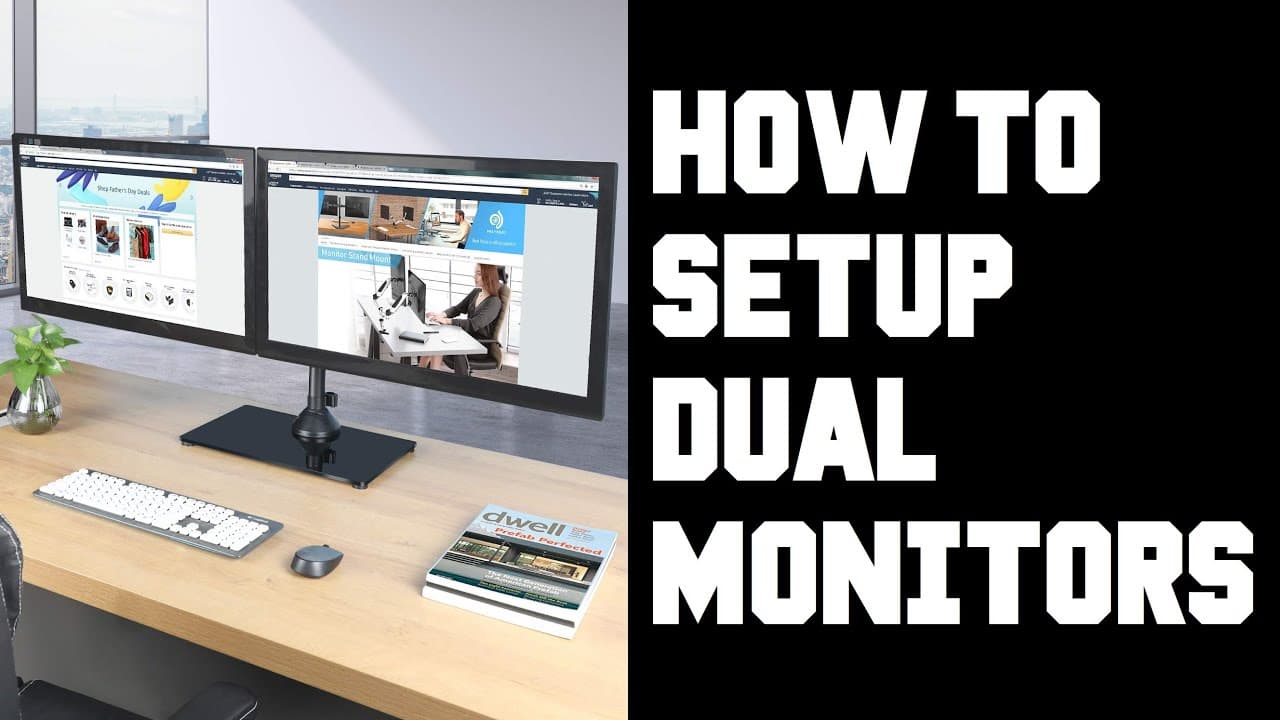
2. The Balanced Dual‑Monitor Pair
Two identical 27‑inch VA panels, each 144 Hz and 4 ms, mounted on a dual‑arm stand. The V‑shaped angle creates a quasi‑wraparound effect while keeping each screen independently adjustable. Combined resolution reaches 5120×1440 without the ultra‑wide premium.
Who it’s for – Sim fans who already own a quality monitor, or those needing separate displays for telemetry, webcam, and race feed.
Trade‑offs – Bezel gap creates a narrow visual break; precise alignment requires careful calibration and a wide desk.
Shop this type: Check price on Amazon →
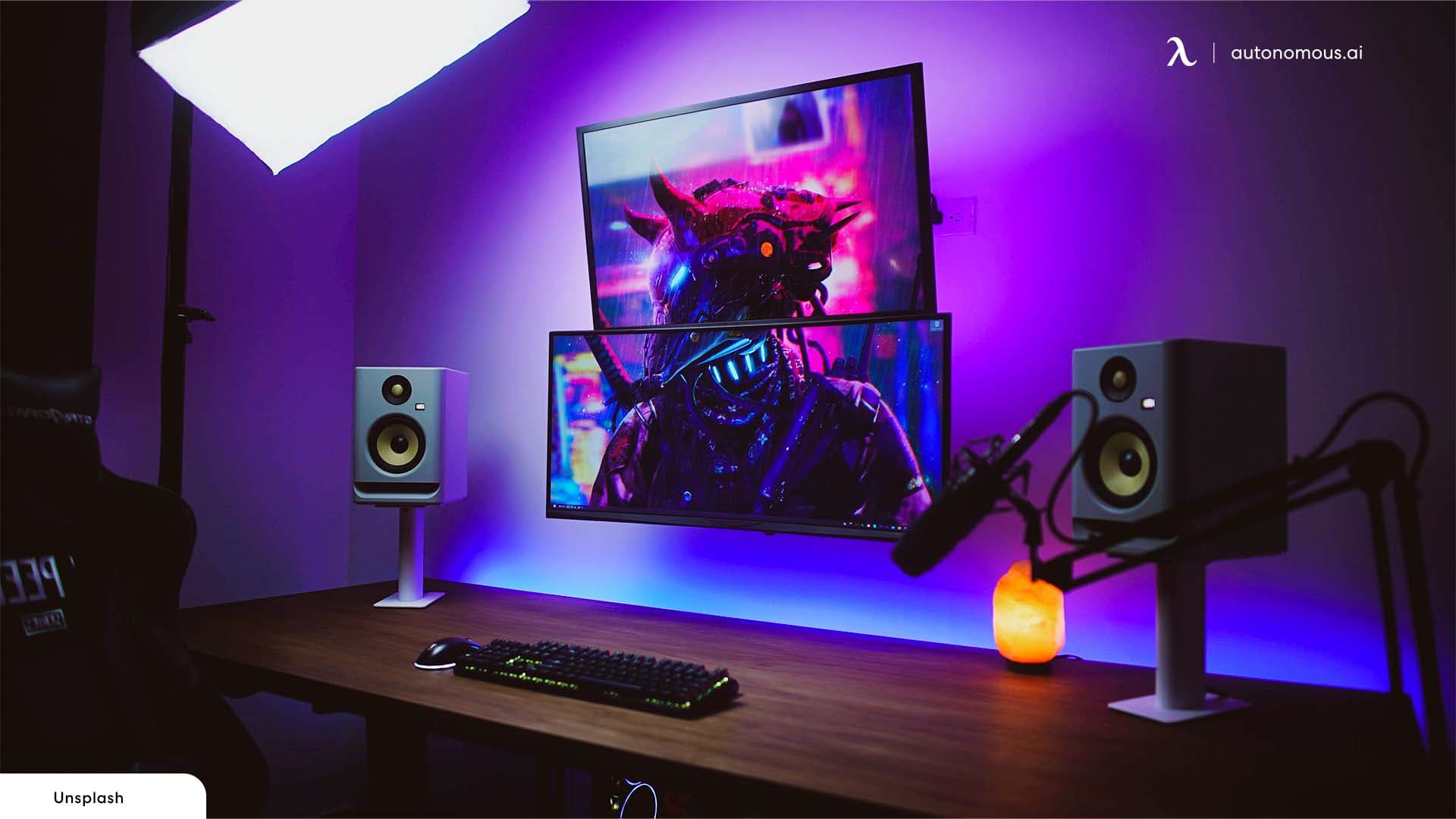
3. The Hybrid Ultra‑Wide + Side Panel
Pair a 34‑inch ultra‑wide (144 Hz, IPS, 1500 R) with a 24‑inch IPS secondary monitor mounted to the right. The side panel serves as a telemetry hub, Discord window, or secondary camera feed, while the ultra‑wide remains the primary visual field.
Who it’s for – Streamers and racers juggling multiple data streams, or anyone who wants a cockpit‑style HUD without cluttering the central view.
Trade‑offs – Extra cabling and GPU load; height mismatch may need stand adjustments.
Shop this type: Check price on Amazon →
4. The Full‑Cockpit Triple‑Screen Array
Three 27‑inch IPS panels, each 144 Hz, arranged in a gentle inward arc and synchronized via a multi‑monitor controller. The middle screen provides the core forward view; side screens extend peripheral vision to near‑real‑world levels.
Who it’s for – Dedicated sim rooms, users with high‑end PCs, and anyone treating racing simulation as a serious hobby.
Trade‑offs – Most expensive and space‑intensive option; bezel seams remain unless you invest in ultra‑thin bezels. Requires a top‑tier GPU (or two) to maintain high frame rates.
Shop this type: Check price on Amazon →
How to choose
- Measure your space – Desk width and depth dictate whether a single curved panel fits or you have room for two or three stands.
- Set a budget – Ultra‑wide panels pack pixel real‑estate into one unit but can cost as much as a pair of mid‑range monitors. If you already own a quality screen, a dual‑setup may give the best bang for the buck.
- Match the rig – A GPU topping out at 120 fps benefits most from a 144 Hz display. If you plan a future upgrade, confirm the monitor’s bandwidth (HDMI 2.1 / DP 1.4).
- Prioritize ergonomics – Height‑adjustable stands or VESA mounts that align the top of the screen with your eye line are essential for long sessions.
- Plan for the future – Want a motion platform later? A triple‑screen rig may be a wiser long‑term investment. If you value portability, a single ultra‑wide is easier to relocate.
Weigh these factors against your priorities—immersion, flexibility, cost, and space—and you’ll land on a configuration that feels like a natural extension of your cockpit.
FAQ
What advantage does curvature give in a racing sim?
A gentle curve (1500–1800 R) matches the natural arc of human vision, reducing eye movement and creating a more enveloping sense of speed.
Will the bezel between two monitors affect gameplay?
The bezel creates a narrow visual interruption that can be noticeable during fast cornering. Most racers adapt, but an ultra‑wide or triple‑screen with ultra‑thin bezels eliminates the break.
Do I need a high refresh rate for racing sims?
Yes. Refresh rates of 144 Hz or higher deliver smoother motion and lower input latency, improving reaction time and reducing jitter at high speeds.
Can I mix panel types (IPS + VA) in a dual‑monitor rig?
You can, but mismatched colors, contrast, and response times may be distracting. For a cohesive experience, choose panels with similar specs and sync capabilities.
How much GPU power does a triple‑monitor racing rig require?
Driving three 144 Hz 1440p screens typically needs a top‑tier graphics card (e.g., RTX 4080 or equivalent). Lower resolutions or refresh rates reduce the demand.
Bottom line
Both ultra‑wide and dual‑monitor approaches widen your field of view and boost immersion. An ultra‑wide offers a seamless, space‑saving canvas; a dual‑monitor pair provides flexibility, incremental upgrades, and often a better price‑to‑pixel ratio. Choose based on desk size, budget, bezel tolerance, and future plans. Whichever you pick, prioritize high refresh rates, low response times, and adaptive‑sync to keep the virtual road as smooth as the real one. Happy racing!