The Advantages of Variable Refresh Rate for Fast‑Paced Games
You lose matches because the screen tears, stutters, or lags a fraction of a second behind your actions. In a shooter, that split‑second decides who lives. Variable Refresh Rate (VRR) — via NVIDIA G‑Sync, AMD FreeSync, or HDMI VRR — synchronizes the monitor’s refresh cycle to the GPU’s frame output, eliminating tearing and cutting stutter. The result is smoother motion, clearer targets, and a measurable reaction‑time advantage.
In this guide we explain why VRR matters, break down the specs that matter most, and present four monitor categories that suit different play styles and setups. By the end you’ll know exactly which screen will turn every frame your GPU produces into crisp, tear‑free action.
Quick picks
- All‑round competitive monitor – ≥144 Hz, low input lag, FreeSync Premium or G‑Sync Compatible.
- Ultra‑wide immersion rig – 34‑inch 1440p VA or IPS, wide color gamut, adaptive sync for panoramic gameplay.
- Compact e‑Sports desk solution – 24‑inch 1080p IPS, 240 Hz native, FreeSync Premium for lightning‑quick reflexes.
- Next‑gen console companion – 27‑inch HDR mini‑LED, HDMI 2.1 VRR, 120 Hz for PS5 / Xbox Series X.
- Future‑proof professional hybrid – 32‑inch IPS/mini‑LED, 144 Hz, HDR, G‑Sync Compatible + FreeSync Premium Pro.
What to look for
1. Refresh‑rate ceiling and baseline
Native refresh sets the upper limit of smoothness. Competitive titles demand at least 144 Hz; 240 Hz is ideal for 1080p shooters where every micro‑second counts. For 1440p or 4K, 144 Hz provides fluid motion without overtaxing most GPUs.
2. Variable Refresh Rate range
VRR shines when the GPU stays inside the monitor’s supported range. FreeSync Premium often spans 48–144 Hz; G‑Sync Compatible may start at 30 Hz. A lower bound of 30 Hz protects you from stutter during FPS dips.
3. Input lag and response time
Input lag measures how long it takes a keystroke or controller action to appear on screen. Look for ≤5 ms in Game Mode. Response time (gray‑to‑gray) should be 1 ms for IPS/VA panels targeting esports. Remember: low response does not guarantee low input lag.
4. Panel technology (IPS, VA, OLED)
- IPS – best color accuracy and viewing angles, response fast enough for most competitive games.
- VA – superior contrast (3000:1+), slightly slower transitions, good for dark‑theme shooters.
- OLED – sub‑0.1 ms response, true blacks, but watch for burn‑in with static HUDs.
Choose the panel that matches your visual priority: color fidelity (IPS), deep blacks (VA), or absolute speed (OLED/high‑speed IPS).
5. HDR and color depth
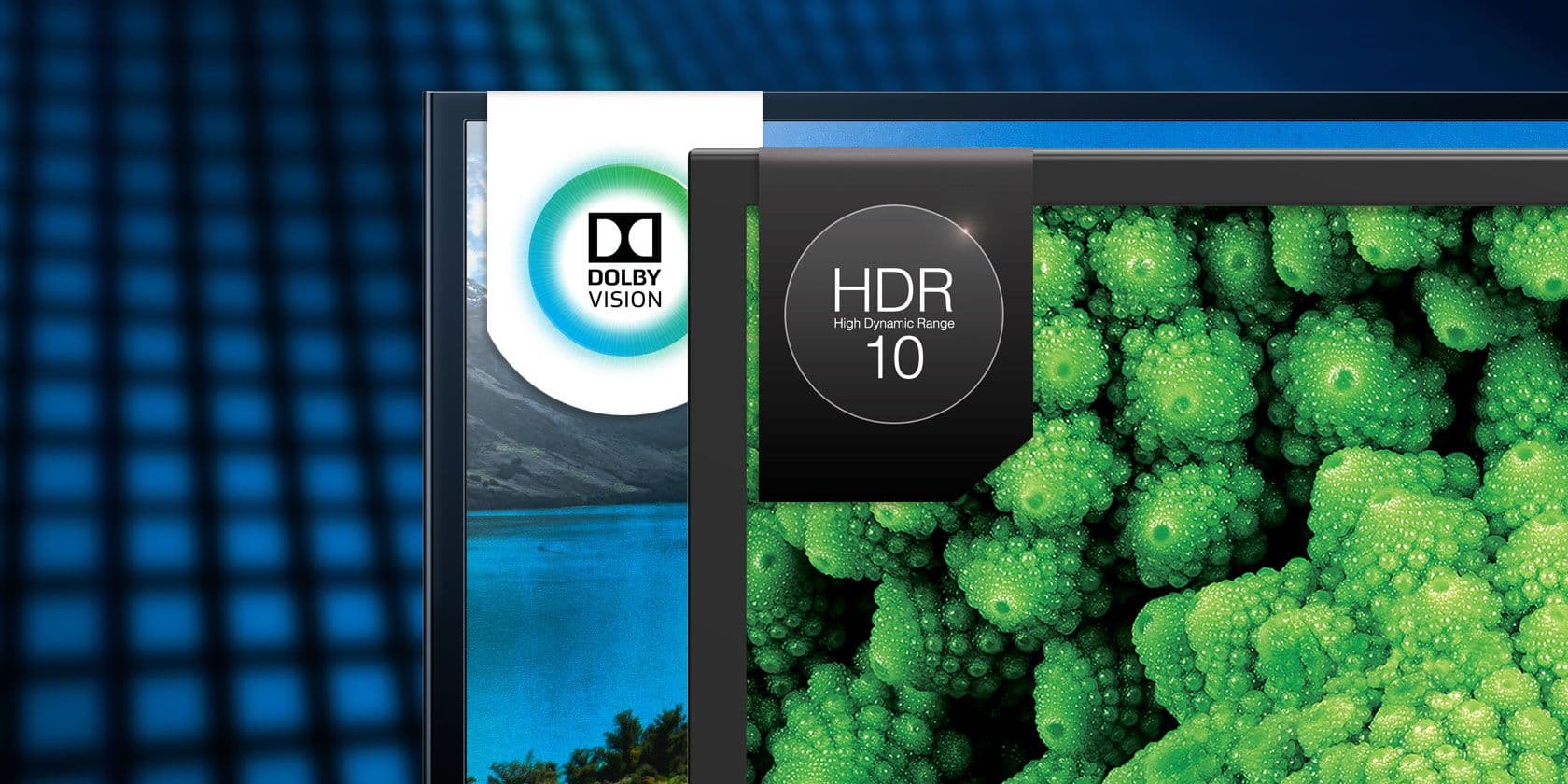
HDR isn’t required for VRR, but a monitor that supports both delivers richer visuals without sacrificing smoothness. Aim for HDR10, ≥400 nits, 90 % DCI‑P3. Console gamers especially benefit from HDR + HDMI 2.1 VRR.
6. Connectivity
- DisplayPort 1.4+ – essential for PC rigs; needed for 1440p 144 Hz with VRR.
- HDMI 2.1 – required for 4K 120 Hz or 1440p 144 Hz on next‑gen consoles.
- USB‑C (DP Alt Mode) – single‑cable laptop solution.
7. Adaptive‑sync certification
FreeSync Premium includes Low‑Frame‑Rate Compensation (LFC). FreeSync Premium Pro adds HDR support. For NVIDIA GPUs, seek G‑Sync Compatible monitors that have passed NVIDIA’s certification; they provide VRR without a proprietary module.
Our picks
A. Competitive‑focused 24‑inch 1080p IPS panel
A 24‑inch IPS screen with a 240 Hz native refresh offers the highest pixel density and the fastest possible response. The 1 ms GtG time eliminates motion blur, letting you spot enemies a fraction of a second earlier. FreeSync Premium’s LFC keeps the image tear‑free even when FPS dips below 60 during chaotic moments.
Who it suits: Amateur to pro‑level FPS, battle‑royale, and fighting‑game players who prioritize raw speed over ultra‑high resolution.
Trade‑offs: Smaller screen reduces desktop real‑estate and field of view. Color depth is solid for IPS but won’t match VA’s contrast or OLED’s absolute blacks.
Shop this type: Check price on Amazon →
B. Immersive ultra‑wide 34‑inch VA display
A 34‑inch 1440p VA panel delivers a cinematic 21:9 aspect ratio, perfect for space simulators, racers, and open‑world games. Contrast ratios of 3000:1+ make shadows pop, while FreeSync Premium Pro or G‑Sync Compatibility with a 40–144 Hz VRR range ensures smooth gameplay during both high‑intensity combat and quiet exploration.
Who it suits: Players craving an expansive field of view without a multi‑monitor setup, and who value deep blacks for atmospheric titles.
Trade‑offs: VA panels have marginally slower pixel transitions than IPS, which can be noticeable in ultra‑fast shooters. The ultra‑wide format consumes more desk space.
Shop this type: Check price on Amazon →
C. Next‑gen console‑ready 27‑inch HDR mini‑LED
For PS5 or Xbox Series X owners, a 27‑inch mini‑LED monitor combines 120 Hz native refresh, HDR10 (≥600 nits), and HDMI 2.1 VRR. Local dimming zones produce deep blacks without OLED’s burn‑in risk, delivering true‑to‑life HDR while keeping frame delivery smooth.
Who it suits: Console gamers who want PC‑class visual fidelity, HDR immersion, and tear‑free 120 fps without buying a TV.
Trade‑offs: Higher price than standard IPS panels and a slightly thicker bezel due to the backlight array. Max refresh caps at 120 Hz, so it won’t match 240 Hz esports models.
Shop this type: Check price on Amazon →
D. Professional‑grade 32‑inch IPS/mini‑LED hybrid
Creators who game and edit video need a large, color‑accurate screen. A 32‑inch IPS or mini‑LED panel with 144 Hz refresh, ≥90 % DCI‑P3, HDR10, and both G‑Sync Compatible and FreeSync Premium Pro gives you a versatile workstation. A VRR range starting at 30 Hz guarantees tear‑free performance even when demanding applications cause FPS fluctuations.
Who it suits: Streamers, video editors, and hybrid users who juggle creative work and competitive gaming on the same screen.
Trade‑offs: Larger footprint and higher power draw. Response speed, while excellent, may not hit the 1 ms benchmark of a dedicated 240 Hz esports panel.
Shop this type: Check price on Amazon →
How to choose
- Match connectivity to your platform. PC gamers prioritize DisplayPort 1.4; console owners need HDMI 2.1.
- Set your resolution‑refresh sweet spot. 1080p 240 Hz for pure speed, 1440p 144 Hz for balanced clarity and fluidity, or 4K 120 Hz if your GPU/console can sustain it.
- Check the VRR range. A lower bound of 30 Hz offers the most protection against stutter; anything higher risks tearing during FPS dips.
- Prioritize low input lag (≤5 ms) and 1 ms response time for competitive titles.
- Add image‑quality criteria if you also care about color fidelity: IPS or mini‑LED panels with HDR10 and a wide color gamut.
- Consider ergonomics – height‑adjustable stand, VESA mount, flicker‑free and low‑blue‑light modes, and desk space.
Rank these criteria against your budget, then narrow down to the model that delivers the VRR advantage you need without unnecessary compromises.
FAQ
What is variable refresh rate and why does it matter?
VRR syncs the monitor’s refresh cycle to the GPU’s frame output, eliminating screen tearing and reducing stutter. In fast‑paced games that translates to smoother motion, clearer target tracking, and more responsive controls.
Does VRR work with all graphics cards?
Most modern AMD GPUs support FreeSync, NVIDIA GPUs support G‑Sync, and many monitors are G‑Sync Compatible using the open‑source Adaptive‑Sync protocol. Verify your GPU’s support before buying.
Can I use VRR on a console?
Yes. PlayStation 5, Xbox Series X, and newer Xbox Series S support HDMI 2.1 VRR. Look for a monitor that lists HDMI 2.1 VRR or Auto Low‑Latency Mode.
Is low input lag the same as low response time?
No. Input lag measures the delay from your input to the pixel change; response time measures how quickly a pixel can change color. Both should be low for competitive gaming, but they are independent specs.
Will VRR affect HDR brightness?
VRR only changes the timing of refresh cycles. HDR brightness, color depth, and local dimming operate separately, though some monitors may disable certain HDR features when VRR is active—check the spec sheet.
Do I need a full G‑Sync monitor for an NVIDIA GPU?
Not necessarily. A G‑Sync Compatible monitor that passes NVIDIA’s certification provides smooth VRR without the expensive proprietary module.
How does low‑frame‑rate compensation (LFC) help?
LFC doubles the refresh rate when FPS falls below the monitor’s lower VRR bound, keeping the display smooth instead of stuttering. It’s especially useful in games with highly variable performance.
Bottom line
Variable refresh rate is the most effective tool for turning raw frames into silky‑smooth, tear‑free visuals in fast‑paced games. Pair a high native refresh rate with a wide VRR range, low input lag, and the panel technology that matches your visual needs, and you shave precious milliseconds off reaction time while enjoying clearer, more immersive action. Whether you compete on a 1080p 240 Hz IPS board, explore worlds on an ultra‑wide VA display, or game on the latest console with HDMI 2.1 mini‑LED power, the right VRR‑enabled monitor gives you a decisive edge without sacrificing image quality. Choose the setup that fits your platform, play style, and desk space, and experience the true advantage of variable refresh rate.