HDR10 vs Dolby Vision in Gaming: Real Differences & How to Choose
You bought a new GPU or a next‑gen console, only to find games look flat, washed out, or painfully bright. The culprit is often a mismatch between the HDR format your device outputs and the capabilities of your screen. HDR10 and Dolby Vision dominate the market, but they behave differently, and the wrong choice can waste money and ruin immersion. This guide cuts through the jargon, shows which specs truly matter, and helps you match a display to your preferred platform, refresh‑rate goals, and budget.
Quick picks
- Budget HDR10‑only monitor – HDR boost without a premium price tag.
- Dolby Vision‑ready TV or monitor – Maximum dynamic range for console titles that support Dolby Vision.
- Dual‑mode (HDR10 + Dolby Vision) display – Ideal for mixed PC‑console households.
- High‑refresh‑rate HDR monitor – 144 Hz+ performance with HDR.
- Portable HDR display – Compact solution for LAN parties or dorm rooms.
What to look for
Peak brightness (nits)
Brightness determines how far a panel can push highlights. HDR10 targets 1000 nits; Dolby Vision can exceed 4000 nits. Most gaming monitors sit between 300‑600 nits. For dim rooms, aim for ≥ 400 nits; for bright rooms, ≥ 600 nits provides a noticeable lift over SDR.
Color gamut (BT.2020 vs DCI‑P3)
HDR10 references Rec. 2020, but consumer panels rarely cover more than 90 %. Dolby Vision often pairs the same gamut with dynamic metadata, pushing colors closer to the full range, especially on displays that hit DCI‑P3 95 %+. Wider gamut equals richer reds, greens, and blues.
Metadata handling: static vs. dynamic
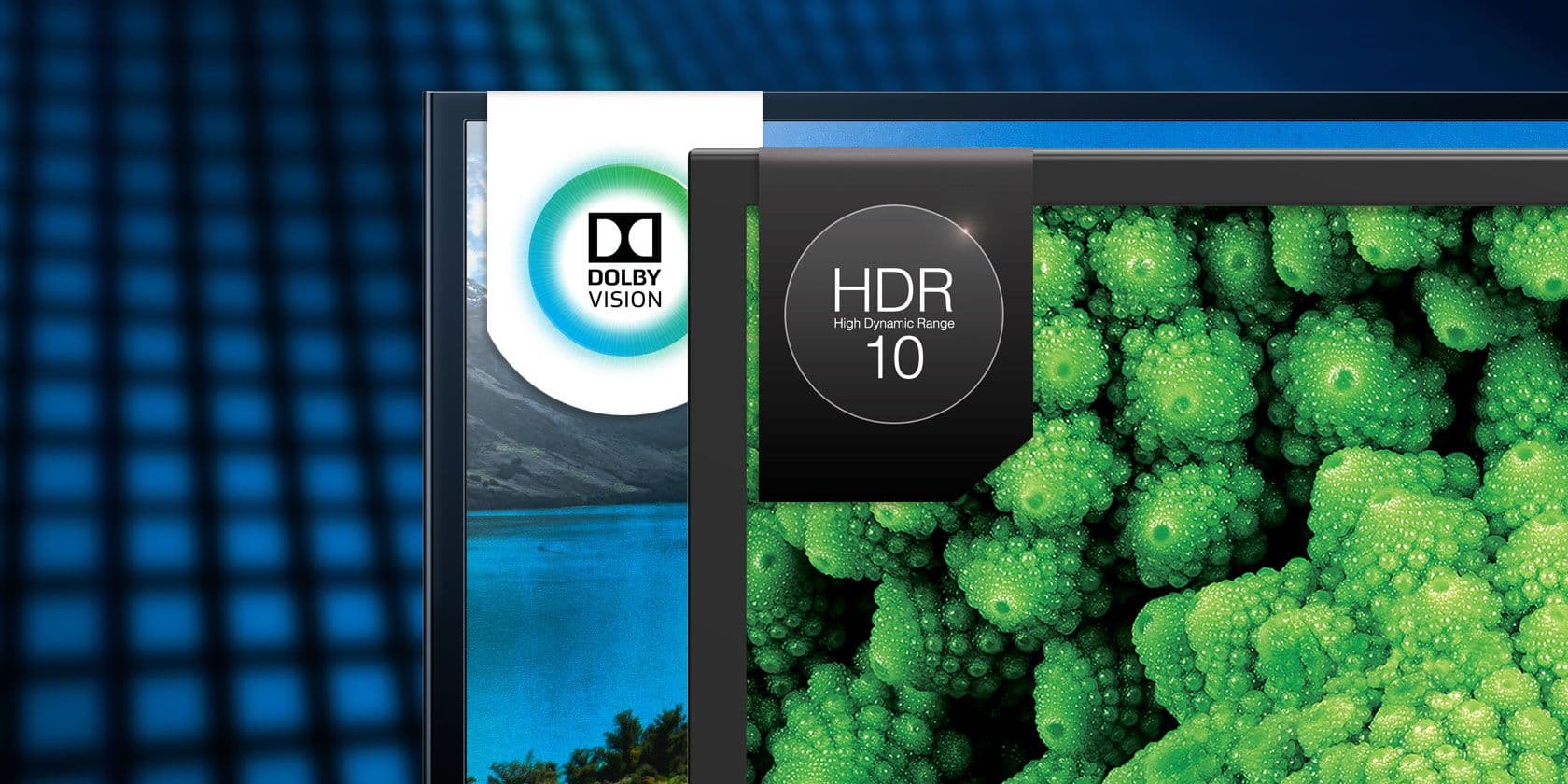
HDR10 uses static metadata – one tone‑mapping curve for the entire game. This can cause crushed blacks or blown‑out highlights when lighting changes. Dolby Vision employs dynamic metadata, adjusting scene‑by‑scene (or frame‑by‑frame) to preserve detail across the luminance range. Dynamic metadata demands a display capable of real‑time decoding.
Refresh rate and latency
Competitive gamers need low input lag. Look for monitors that list HDR at 144 Hz+ and a GTG response ≤ 4 ms. Some units offer an “HDR Low‑Latency” mode that disables heavy tone‑mapping, keeping lag under 5 ms. If you plan for 240 Hz, verify explicit HDR support at that rate.
HDMI/DisplayPort version and bandwidth
Dolby Vision generally requires HDMI 2.1 (or DP 1.4 with DSC) for 4K 120 Hz with full metadata. HDR10 works over HDMI 2.0b or DP 1.4, but caps at 4K 60 Hz or 1080p 144 Hz. A port set that includes at least one HDMI 2.1 or DP 1.4a future‑proofs your rig.
Console or PC support
- PlayStation 5 and Xbox Series S output HDR10 only.
- Xbox Series X supports both HDR10 and Dolby Vision (latest update).
- PC can output either format if the GPU and driver expose the toggle (e.g., NVIDIA RTX 30‑series, AMD RX 6000‑series).
Calibration and picture modes
A good HDR panel needs appropriate presets. Look for a Gaming HDR mode with low lag, a Cinema HDR mode that leverages dynamic metadata, and a User Calibration option for peak brightness, black level, and gamut. High‑end models may include hardware LUTs for precise color grading—useful for streamers.
Our picks
HDR10‑only budget monitor – the “Entry‑Level HDR Gamer”
A 27‑inch VA panel with 400 nits, 90 % BT.2020, 144 Hz, and FreeSync/G‑Sync compatibility hits the sweet spot for a $300‑$400 build. Expect static‑metadata tone‑mapping; the picture stays consistent but lacks the cinematic punch of dynamic formats.
Shop this type: Check price on Amazon →
Dolby Vision‑ready TV for console gaming – the “Living‑Room Power‑House”
A 55‑inch LCD with full‑array local dimming, 600‑800 nits, HDMI 2.1, and 4K 120 Hz delivers the brightest, most detailed image for Dolby Vision titles on Xbox Series X. Price ranges $800‑$1,200; size and power draw are higher than a desk monitor.
Shop this type: Check price on Amazon →
Dual‑mode HDR monitor – the “All‑Rounder”
A 32‑inch IPS panel with ≥ 500 nits, 100 % DCI‑P3, DP 1.4a + HDMI 2.1, and a built‑in dynamic‑metadata engine handles both HDR10 and Dolby Vision. Low‑latency gaming mode keeps lag under 5 ms; a Cinema HDR preset optimizes movies and streaming. Expect a $600‑$800 price tag and a slightly thicker chassis.
Shop this type: Check price on Amazon →
High‑refresh‑rate HDR monitor – the “Competitive Pro”
A 27‑inch Nano‑IPS with 400‑500 nits, 95 % DCI‑P3, HDR10+ support, and 144 Hz provides esports‑ready performance while still offering dynamic tone‑mapping. HDR10+ delivers scene‑by‑scene adjustments similar to Dolby Vision. Verify DP 1.4 connectivity for full bandwidth.
Shop this type: Check price on Amazon →
Portable HDR display – the “Travel‑Ready Companion”
A 15‑inch USB‑C powered monitor with HDR10, 300 nits, IPS panel, and 60 Hz refresh is perfect for dorms or LAN parties. It won’t match desktop brightness, but it outshines standard laptop screens and fits in a backpack.
Shop this type: Check price on Amazon →
How to choose
- Identify your primary platform. PlayStation 5 or Xbox Series S → HDR10 only; Xbox Series X or a capable PC → consider dynamic formats.
- Prioritize performance vs. picture quality. Competitive gamers need high refresh & low lag; story‑driven players benefit from peak brightness, wide gamut, dynamic metadata.
- Check connectivity. HDMI 2.1 or DP 1.4a guarantees 4K 120 Hz HDR. If your GPU only offers HDMI 2.0, you’ll be limited to 4K 60 Hz.
Rank these three factors—platform, performance priority, and bandwidth—to narrow down the ideal display without drowning in technical jargon.
FAQ
What’s the practical difference between HDR10’s static metadata and Dolby Vision’s dynamic metadata for gaming?
Static metadata applies one tone‑mapping curve to the whole game, often leading to crushed blacks or blown highlights. Dynamic metadata adjusts the curve scene‑by‑scene (or frame‑by‑frame), preserving detail across varying lighting conditions.
Can I use a Dolby Vision TV for a PC that only outputs HDR10?
Yes. Dolby Vision displays accept HDR10 signals, but you lose the dynamic tone‑mapping benefits.
Does HDR affect input lag on gaming monitors?
HDR processing can add a few milliseconds. Most modern monitors include a “Low‑Latency HDR” mode that disables heavy tone‑mapping, keeping lag under 5 ms for fast shooters.
Do I need a special graphics card to run Dolby Vision on PC?
You need a GPU that supports dynamic‑metadata output (e.g., NVIDIA RTX 30‑series with driver 525+, AMD RX 6000‑series with recent Adrenalin). Older cards may be limited to HDR10 static metadata.
Is HDR10+ the same as Dolby Vision?
Both use dynamic metadata but are separate standards. HDR10+ is an open format backed by Samsung and Amazon; Dolby Vision is a licensed Dolby technology. A display must explicitly support the format you intend to use.
Will a 144 Hz monitor always display HDR at its maximum brightness?
Not always. Some panels lower peak brightness at higher refresh rates to stay within power limits. Check the spec sheet for “HDR brightness at 144 Hz.”
How important is color gamut for HDR gaming?
Very. A wide gamut (e.g., 95 % DCI‑P3) allows the panel to reproduce more saturated colors, making HDR images look lifelike. Panels covering only 80 % BT.2020 will appear muted even with high brightness.
Bottom line
HDR10 provides a universal baseline—perfect for budget builds and consoles limited to static HDR. Dolby Vision (or HDR10+) adds dynamic, scene‑by‑scene tone‑mapping for richer highlights and deeper shadows, but requires a compatible display and sufficient bandwidth. Match the format to your platform, decide whether ultra‑high refresh or cinematic quality matters more, and verify your ports before purchasing. The right screen will finally let you experience games as developers intended: vivid, immersive, and truly high‑dynamic.