Best High Refresh Rate Monitor for E‑Sports: A Pro‑Gamer’s Buying Guide
When your current 120 Hz screen lags behind a rival’s 240 Hz setup, you’ll notice it the moment a headshot slips away. The monitor you pick determines whether you react instantly or stare at a blur. This guide pinpoints the specs that shave off precious milliseconds, matches them to common gaming environments, and presents ready‑to‑buy options so you can stop guessing and start winning.
Quick picks
- Ultra‑fast 360 Hz panel – elite FPS players who need the absolute quickest frame delivery.
- Balanced 144 Hz IPS panel – versatile all‑rounder for mixed‑genre play and color‑critical streaming.
- Curved 144 Hz HDR panel – immersive field of view for tactical shooters and battle‑royale maps.
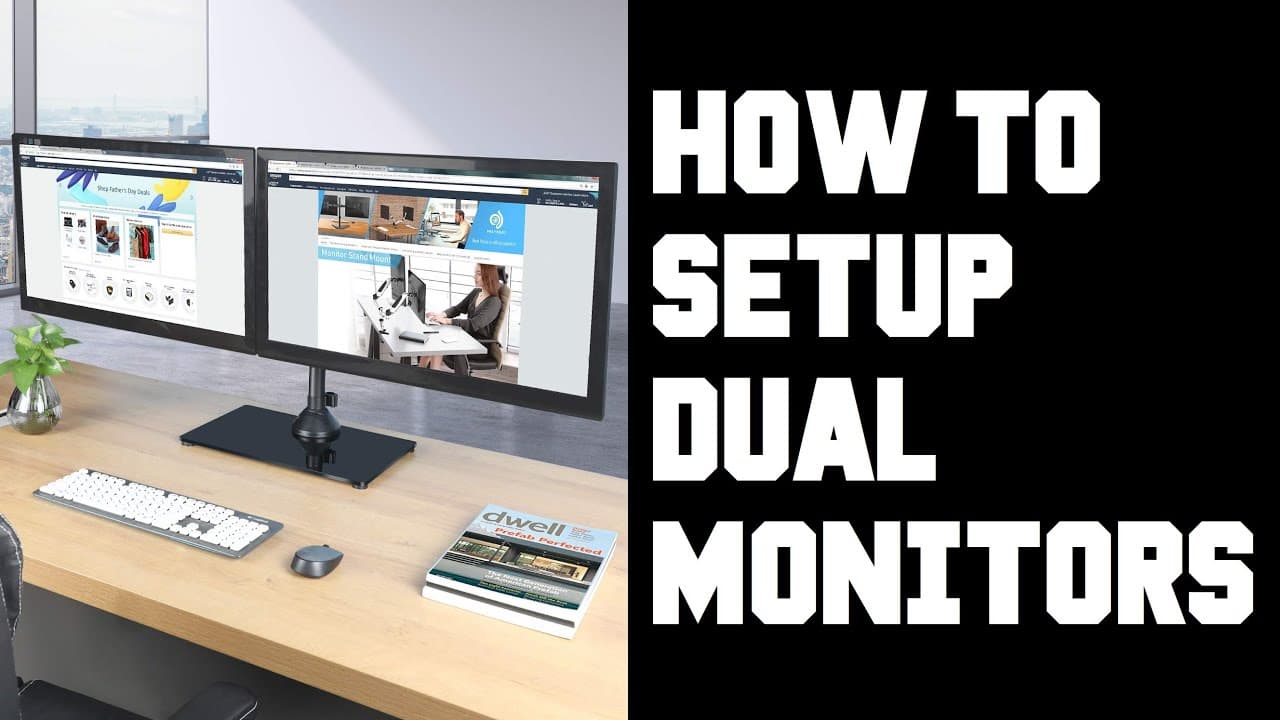
- Compact 144 Hz IPS panel – perfect for tight desks, streaming rigs, or dual‑monitor setups.
- Mini‑LED 144 Hz HDR panel – bright‑room champion with excellent local dimming and peak brightness.
What to look for
1. Native refresh rate & overclock potential
- Native rate is the frames per second the panel can display without tricks. 144 Hz is the entry level; 240 Hz and 360 Hz are premium.
- Overclocking can add 10‑30 Hz, but only buy a model that officially supports it; otherwise stability suffers.
2. Panel technology (IPS, VA, TN, OLED, Mini‑LED)
| Type | Strengths | Weaknesses |
|---|---|---|
| IPS | Wide viewing angles, accurate colors – ideal for streamers. | Slightly slower response than TN. |
| VA | Deep blacks, high contrast – helps spot enemies in shadows. | Usually 4‑5 ms GtG, a bit slower. |
| TN | Fastest gray‑to‑gray response, low input lag. | Color shift, narrow angles. |
| OLED | True blacks, virtually zero blur. | Burn‑in risk, high price. |
| Mini‑LED | Brightness >600 nits, precise local dimming, maintains high refresh. | Premium cost. |
3. Response time & input lag
- Response time (GtG) under 1 ms is ideal; 4 ms is acceptable for IPS with good overdrive.
- Input lag should stay below 5 ms; prioritize monitors with independent lab measurements (e.g., RTINGS).
4. Adaptive‑sync technology (G‑Sync / FreeSync)
- Variable refresh eliminates tearing when frame rates fluctuate.
- G‑Sync Compatible monitors work with NVIDIA cards; FreeSync Premium covers AMD and also NVIDIA via the compatibility list.
5. Resolution & screen size
- 1080p (1920×1080) remains the performance sweet spot for FPS titles.
- 1440p (2560×1440) adds sharpness; choose 24‑27‑inch for 1080p, 27‑32‑inch for QHD.
- Larger panels (>32‑inch) increase eye‑movement latency in fast shooters.
6. HDR & brightness
- HDR isn’t essential for pure competition but a 300 nit minimum improves dark‑map visibility.
- Mini‑LED models push >600 nits, delivering vivid HDR without sacrificing speed.
7. Ergonomics & connectivity
- Look for full height/tilt/swivel/pivot adjustment.
- DisplayPort 1.4 is required for 240 Hz+ at 1080p; HDMI 2.1 adds console support.
Our picks
1. Ultra‑fast 360 Hz panel for elite FPS players
A native 360 Hz, 24‑inch TN or VA panel with 1 ms GtG offers the smoothest motion and the lowest input lag. Overclock to 400 Hz if the manufacturer guarantees stability. Trade‑offs: reduced color fidelity and narrower viewing angles, which can be softened with a matte filter.
Shop this type: Check price on Amazon →
2. Balanced 144 Hz IPS panel for mixed‑genre gaming and streaming
A 27‑inch IPS monitor at 144 Hz delivers 4 ms GtG, sub‑5 ms input lag, and excellent color accuracy—perfect for shooters, RPGs, and face‑cam streaming. The ergonomic stand and USB‑C hub add convenience. Expect higher power draw and a modest price premium over TN.
Shop this type: Check price on Amazon →
3. Curved 144 Hz HDR panel for immersive tactical play
A 34‑inch curved VA panel gives a 1500R curvature, 144 Hz refresh, and HDR support. Deep blacks and a contrast ratio >3000:1 improve enemy detection on dark maps. Slightly slower 4‑5 ms response and larger footprint are the main compromises.
Shop this type: Check price on Amazon →
4. Mini‑LED 144 Hz panel for bright‑room e‑sports
When ambient light is high, Mini‑LED backlights provide >600 nits peak brightness and precise local dimming while keeping a 144 Hz IPS core. USB‑C hub and VESA‑mount compatibility add flexibility. The price is higher than ordinary LED, but performance stays competitive.
Shop this type: Check price on Amazon →
How to choose
- Define your performance goal –
- Maximum reaction time: target 360 Hz native, ensure your GPU >200 FPS.
- All‑round speed & visual quality: 144 Hz IPS or VA meets most needs.
- Assess your environment –
- Bright room → Mini‑LED or high‑brightness VA.
- Dark, enclosed space → VA or OLED for deep blacks.
- Limited desk space → 24‑ or 27‑inch flat panel.
- Check hardware compatibility –
- GPU must sustain the monitor’s refresh; NVIDIA users benefit from G‑Sync‑Compatible, AMD users from FreeSync Premium.
- Use DisplayPort 1.4 for >240 Hz; HDMI 2.1 only if you also game on consoles.
- Balance budget vs longevity –
- Higher refresh and advanced backlights cost more but stay relevant as games and GPUs evolve.
- A solid IPS panel with ergonomic features pays off for streaming and work use.
Decision flow (quick checklist):
- Do you consistently hit 200+ FPS? → Yes: consider 360 Hz; No: 144 Hz is sufficient.
- Is your room well‑lit? → Yes: Mini‑LED or bright VA; No: VA/OLED for contrast.
- Do you need color accuracy for streaming? → Yes: IPS; No: TN or VA.
- Is desk space limited? → Yes: 24‑ or 27‑inch flat; No: 34‑inch curved.
By matching these answers to the monitor categories above, you can pinpoint the exact model that gives you both the speed advantage and the visual comfort you need for marathon matches.
FAQ
What refresh rate is truly necessary for competitive e‑sports?
Most pros are comfortable at 144 Hz, delivering smooth motion and low lag. Players who consistently exceed 200 FPS often upgrade to 240 Hz or 360 Hz for a marginal but measurable reaction‑time edge.
Does a higher refresh rate always mean lower input lag?
Not automatically. Input lag depends on panel processing, overdrive settings, and connection type. A well‑tuned 144 Hz IPS can out‑perform a poorly optimized 240 Hz TN. Look for independent lag tests.
Should I prioritize HDR for e‑sports?
HDR isn’t required for pure competition, but it can brighten dark map areas and enhance streaming visuals. If you game in a bright room, a Mini‑LED HDR monitor gives both brightness and speed.
Are curved monitors a distraction in fast‑paced shooters?
Curvature widens peripheral view, helping situational awareness, but some players find the bend odd after long sessions. Test one if possible before buying.
Can I use a 360 Hz monitor with an AMD GPU?
Yes, provided the GPU can output >360 FPS and you connect via DisplayPort 1.4. Choose a monitor that supports FreeSync Premium for the best VRR experience on AMD hardware.
Do I need G‑Sync if I already have FreeSync?
If you own an NVIDIA GPU, a G‑Sync‑Compatible monitor guarantees variable refresh without extra hardware. Many FreeSync Premium panels also work with NVIDIA cards, but verify the manufacturer’s compatibility list.
How important is ergonomics for long e‑sports sessions?
Very important. Adjustable height, tilt, swivel, and pivot reduce neck and shoulder strain. A VESA‑compatible mount offers the most flexibility for custom setups.
Bottom line
Choosing the right high‑refresh‑rate monitor hinges on three pillars: speed, visual fidelity, and environment fit. For sheer reaction time, a native 360 Hz panel reigns. For a balance of speed, color accuracy, and streaming readiness, 144 Hz IPS is the sweet spot. If immersion and deeper blacks matter, a curved HDR VA delivers a wider field of view. When ambient light threatens contrast, Mini‑LED gives unbeatable brightness while keeping refresh rates competitive. Identify which pillar matters most to you, match it to the appropriate panel type, and you’ll gain the visual edge needed to dominate every match.