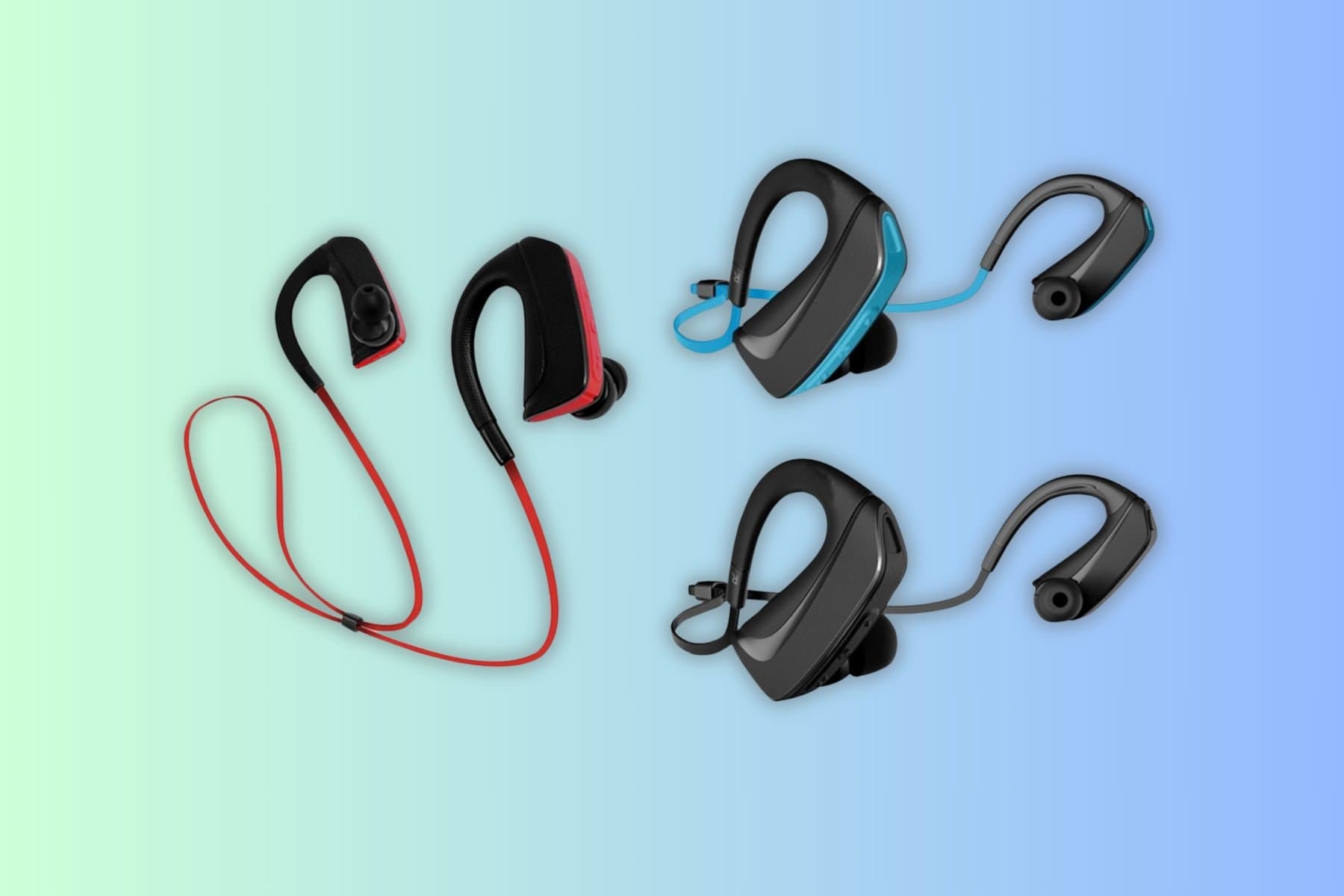
Pair Bluetooth Audiophile Headphones with iPhone – A Step‑by‑Step Guide for Hi‑Fi Lovers
You finally splurged on a pair of audiophile‑grade headphones, but every song sounds dull when you go wireless. The problem isn’t the headphones—it’s an improperly set up Bluetooth link that throws away detail, adds latency, or drops the connection altogether. This guide shows exactly how to configure your iPhone, what accessories keep the signal pure, and how to avoid the common pitfalls that turn a premium headset into a sub‑par experience.
Quick picks
- Everyday pairing – iPhone’s built‑in Bluetooth + AAC. One‑tap connect, solid battery life.
- Low‑latency gaming/video – AAC + Apple’s LE Audio or a dedicated low‑latency transmitter.
- Audiophile‑grade chain – Compact Bluetooth DAC/amp that preserves lossless detail.
- Travel‑ready combo – Pocket‑sized amp/DAC, USB‑C charging, quick‑charge feature.
- Multi‑room / multi‑device – Multipoint connectivity, automatic profile switching.
What to look for
1. Bluetooth codec support
iPhone natively handles AAC and SBC. AAC transmits more data and yields a cleaner high‑frequency response, making it the de‑facto choice for audiophile headphones. If the headset also lists aptX‑HD or LDAC, iPhone will downgrade to AAC—still acceptable, but you won’t see the extra bandwidth those codecs provide.
2. Latency and synchronization
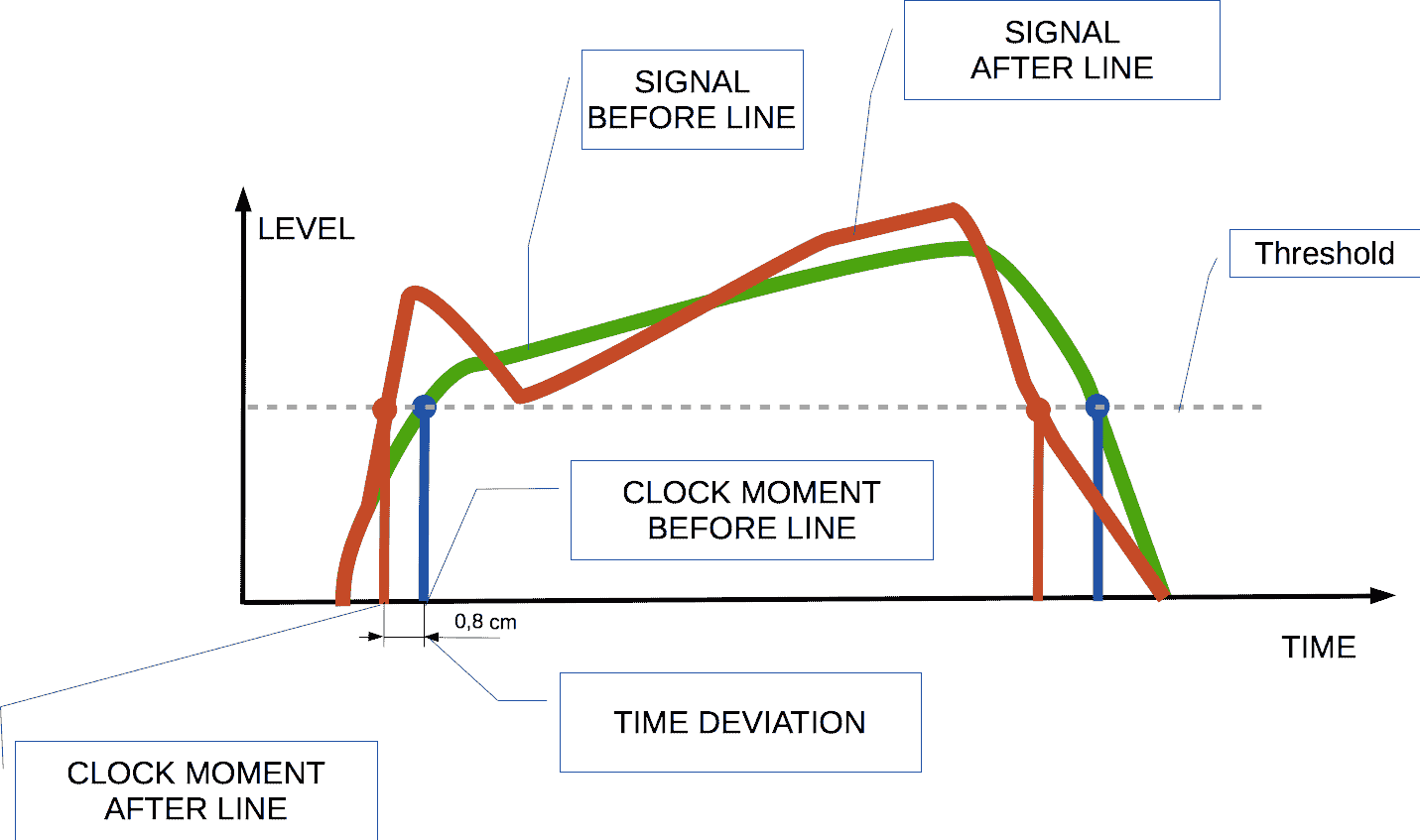
AAC adds roughly 100 ms of latency. Perfect for music, problematic for movies or games. Choose headphones with a hardware “low‑latency mode” or pair the iPhone with a Bluetooth 5.0 LE Audio transmitter. True low‑latency setups can drop latency to under 40 ms.
3. Battery life and power management
Larger drivers and higher impedance drain batteries faster. Aim for 20 h+ continuous playback and a quick‑charge function (10 min → 1 h). Verify that the charging port is USB‑C for faster top‑ups.
4. Compatibility with external DAC/amp
A Bluetooth DAC/amp sits between the iPhone and the headphones, handling the digital‑to‑analog conversion. Ensure the DAC:
- Accepts AAC over Bluetooth.
- Offers a balanced 3.5 mm or 2.5 mm output matching the headset’s impedance.
- Includes a built‑in battery for true portability.
5. Pairing stability & multi‑device memory
Audiophiles switch between iPhone, Mac, and sometimes Android. Look for at least three stored Bluetooth profiles and OTA firmware updates via a companion app. These updates often fix connectivity glitches that appear after iOS upgrades.
6. Physical fit and seal
Open‑back designs give a spacious soundstage but leak sound and are more prone to interference. Closed‑back models provide isolation, improve Bluetooth stability, and are better for noisy environments.
7. Software controls and EQ options
iOS supplies a basic EQ, but many manufacturers ship companion apps with fine‑grained EQ, adaptive ANC, and low‑latency toggles. Confirm the app works with the latest iOS version and does not require a constant cloud connection, which can re‑introduce latency.
Our picks
A. Simple iPhone‑Only Pairing – Ideal for Everyday Listening
Look for headphones that advertise native AAC support and a stable Bluetooth 5.0 radio. The usual workflow is:
- Press the pairing button (30‑second discoverable window).
- Open Settings → Bluetooth on the iPhone.
- Tap the device name.
No external DAC means a short signal path and minimal latency. Expect a balanced soundstage with clear mids and smooth highs—perfect for commuting or office work. The trade‑off is reliance on the iPhone’s internal DAC, which, while good, isn’t as transparent as a dedicated unit.
Shop this type: Check price on Amazon →
B. Travel‑Friendly Bluetooth DAC + Amp Combo – For Mobile Hi‑Fi
A portable DAC/amp that pairs directly with the iPhone and outputs a clean line‑level signal to high‑impedance headphones solves two problems at once: codec limitation and power headroom. Key specs:
- Weight < 200 g.
- USB‑C charging, 10‑minute quick charge.
- Bluetooth AAC receiver side.
- 3.5 mm balanced or 2.5 mm balanced output.
The DAC performs high‑resolution conversion, preserving FLAC or Apple Music Lossless detail. The amp supplies enough voltage to drive > 40 Ω headphones without distortion. Setup involves a one‑time “pair‑once, forget” routine, after which the DAC reconnects automatically.
Shop this type: Check price on Amazon →
C. Low‑Latency Gaming / Video Pairing – Stay in Sync
For gamers and binge‑watchers, latency under 80 ms is essential. Choose headphones with a hardware low‑latency toggle and pair them using Apple’s LE Audio profile. Some manufacturers also sell a dedicated Lightning‑to‑Bluetooth transmitter that pushes latency down to 30‑40 ms.
Audio quality remains high because AAC is still the codec; the only downside is the extra transmitter you need to keep on‑hand.
Shop this type: Check price on Amazon →
D. Multi‑Room / Multi‑Device Solution – Seamless Switching
If you juggle an iPhone, MacBook, and a Windows laptop, prioritize headsets that store ≥ 3 Bluetooth profiles and support multipoint connectivity. A companion app lets you label each profile (e.g., “iPhone”, “Mac”, “iPad”) and set a priority order. This setup lets you answer a call on the iPhone while a podcast streams from the Mac—no re‑pairing required.
The trade‑off is a modest increase in power draw; expect a few hours less battery life compared to single‑profile units.
Shop this type: Check price on Amazon →
How to choose
- Define your primary scenario – Daily music streaming, high‑resolution critical listening, or low‑latency gaming. Each use‑case points to a different hardware tier.
- Match codec and impedance – AAC works with any headset, but high‑impedance (> 40 Ω) models benefit from an external amp for adequate headroom.
- Assess latency tolerance – If you watch movies or play games, low‑latency mode or a transmitter is non‑negotiable.
- Consider future upgrades – Look for OTA firmware, multiple pairing slots, and a companion app that stays compatible with new iOS releases. A well‑supported device will stay reliable for years.
FAQ
How do I put my Bluetooth audiophile headphones into pairing mode for the first time?
Press and hold the power or dedicated pairing button for 3‑5 seconds until the LED flashes rapidly. Then open Settings → Bluetooth on the iPhone and tap the headphones’ name.
Why does my music sound "tinny" after pairing with the iPhone?
The iPhone has likely fallen back to the SBC codec because the headphones didn’t negotiate AAC. Ensure the headset supports AAC and that no power‑saving mode disables the higher‑quality codec.
Can I use a Bluetooth DAC while still listening to calls?
Yes. Choose a DAC that offers a dual‑mode (audio + mic) or rely on the iPhone’s built‑in microphone. Incoming calls will automatically switch to the iPhone’s mic while playback continues through the DAC.
My headphones keep disconnecting after a few minutes. What should I try?
- Update the firmware via the manufacturer’s app.
- Reduce interference by moving away from crowded Wi‑Fi/Bluetooth environments.
- Reset the iPhone’s Bluetooth module (Settings → General → Reset → Reset Network Settings).
Do I need a special app to get the best sound quality?
A companion app can provide fine‑grained EQ, firmware updates, and low‑latency toggles, but basic AAC playback works perfectly without it. If you prefer a plug‑and‑play experience, pick headphones that sound good out of the box.
Is there any downside to using a Bluetooth DAC with my iPhone?
The main drawbacks are added bulk, a separate charging routine, and an extra pairing step. For most audiophiles the gain in fidelity outweighs these inconveniences.
Bottom line
Pairing Bluetooth audiophile headphones with an iPhone is more than tapping Connect. Understanding codec support, latency, and whether an external DAC/amp is needed lets you craft a wireless chain that retains every nuance of high‑resolution music. Choose the simplest setup for everyday convenience, or add a portable DAC for true hi‑fi fidelity—either way, you’ll enjoy wireless freedom without compromising sound quality. Happy listening!